
Handwriting Font Maker
Turn your handwriting into a real font you can use anywhere.
- Price
- Free, with an optional one-time Pro unlock
- Works on
- iPhone and iPad
- Requires
- iOS 17.0 or later
- Category
- Utilities
- Languages
- English
What Handwriting Font Maker does
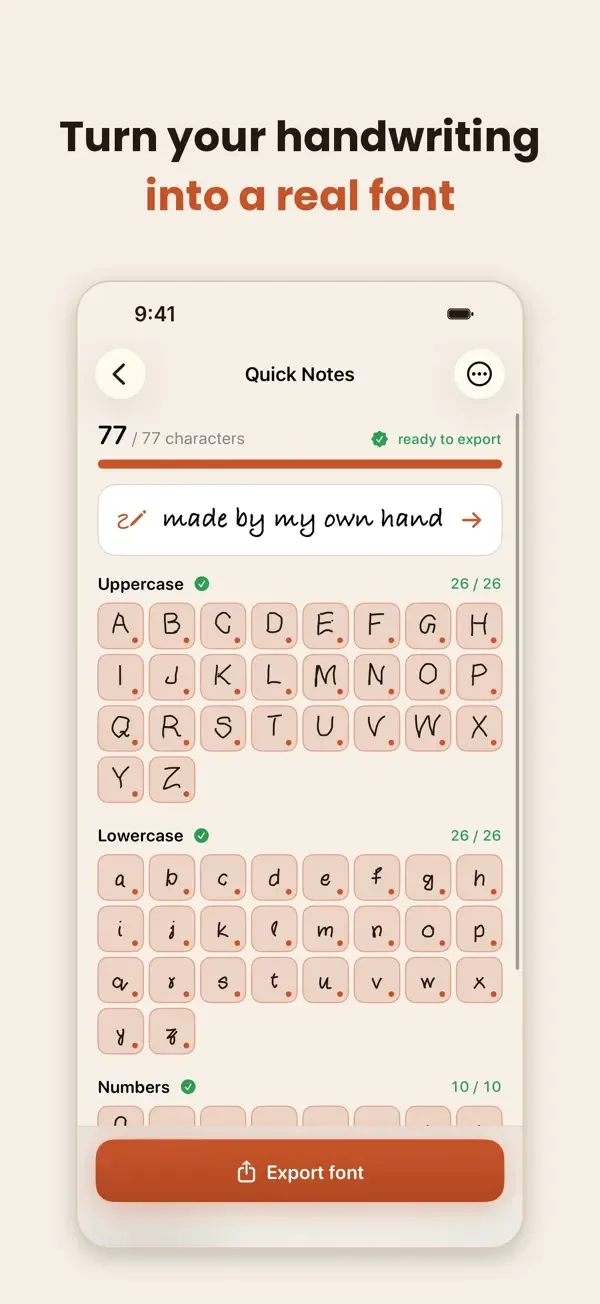
Handwriting Font Maker turns the letters you draw into a standard .ttf font file. You write each character on a guided canvas, preview your font as you type, and export a file you can install and keep.
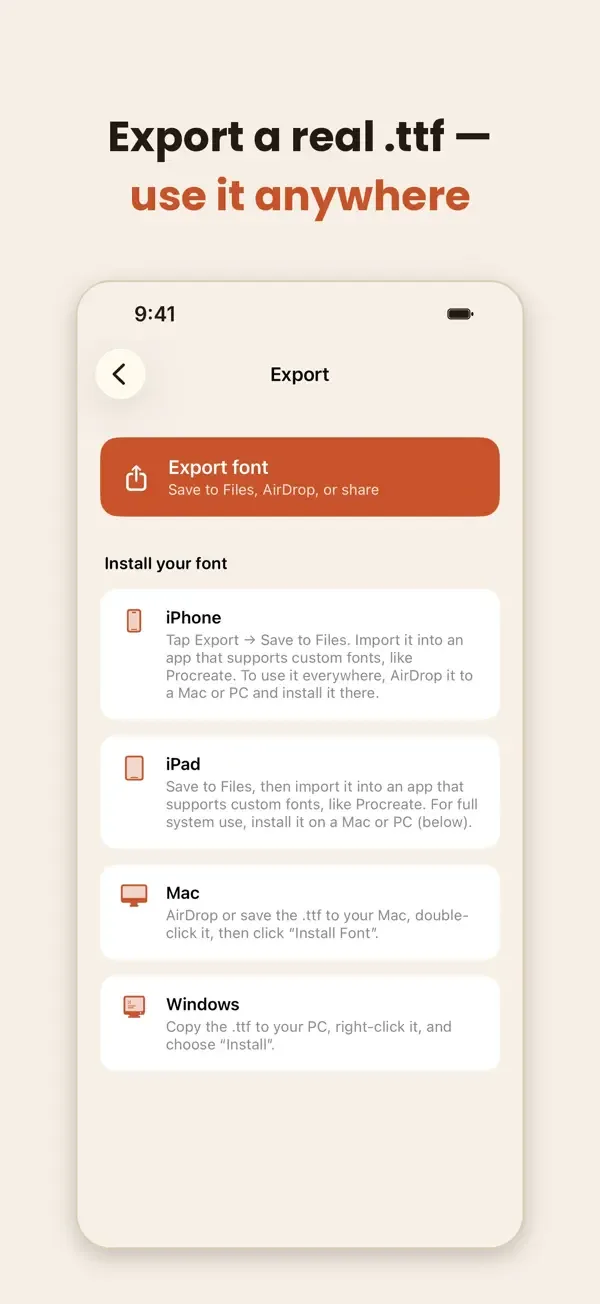
Because it is a real font file and not a keyboard style, you can use it outside the app: import it into Procreate on iPad, or install it on a Mac or PC to use in Word, Pages, Canva, Cricut Design Space and any other app that supports custom fonts. It is ideal for invitations, logos, signatures, journals and lettering projects.
Key features
Real .ttf export
Export a standard TrueType font file that belongs to you, not text locked inside another app.
Guided drawing canvas
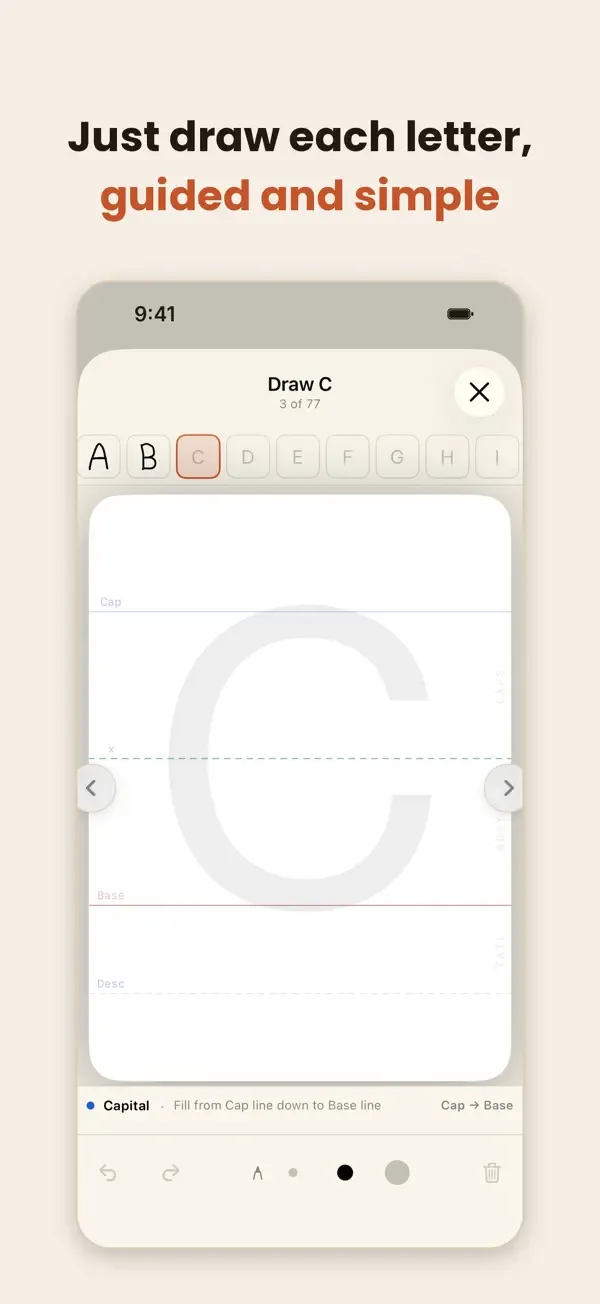
Helper lines and a faint guide letter keep every character aligned. Draw with your finger or Apple Pencil.
Full character set
Draw uppercase A–Z, lowercase a–z, numbers 0–9 and punctuation for a complete, usable font.
Live preview
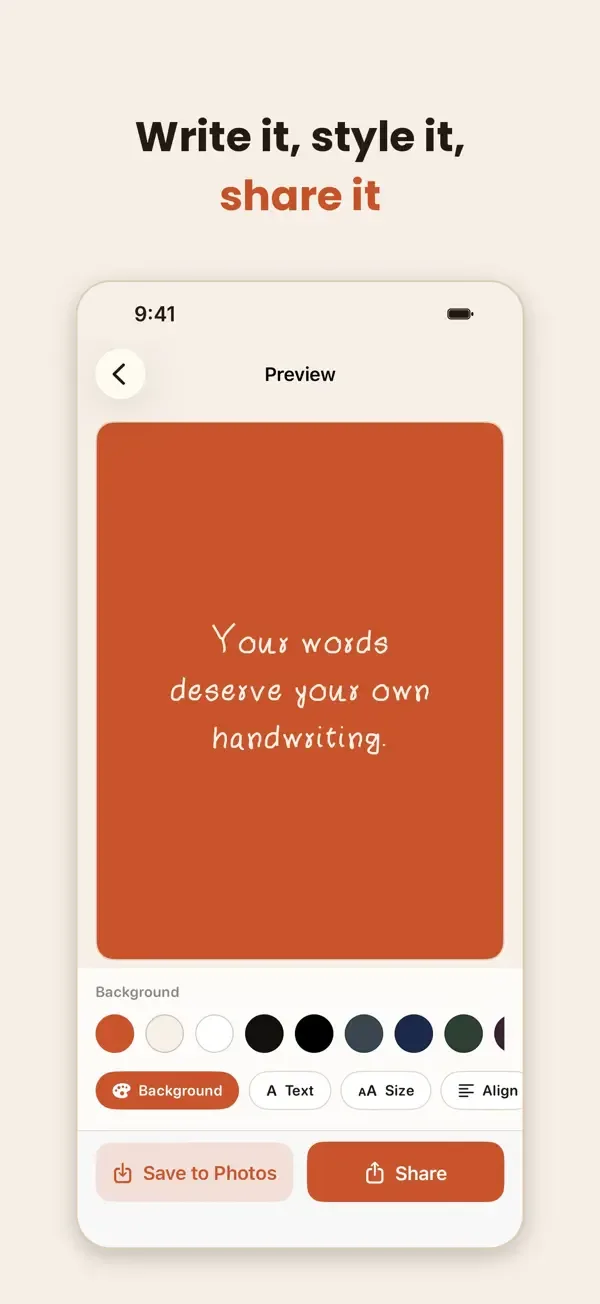
Type any sentence and see it in your own handwriting before you export.
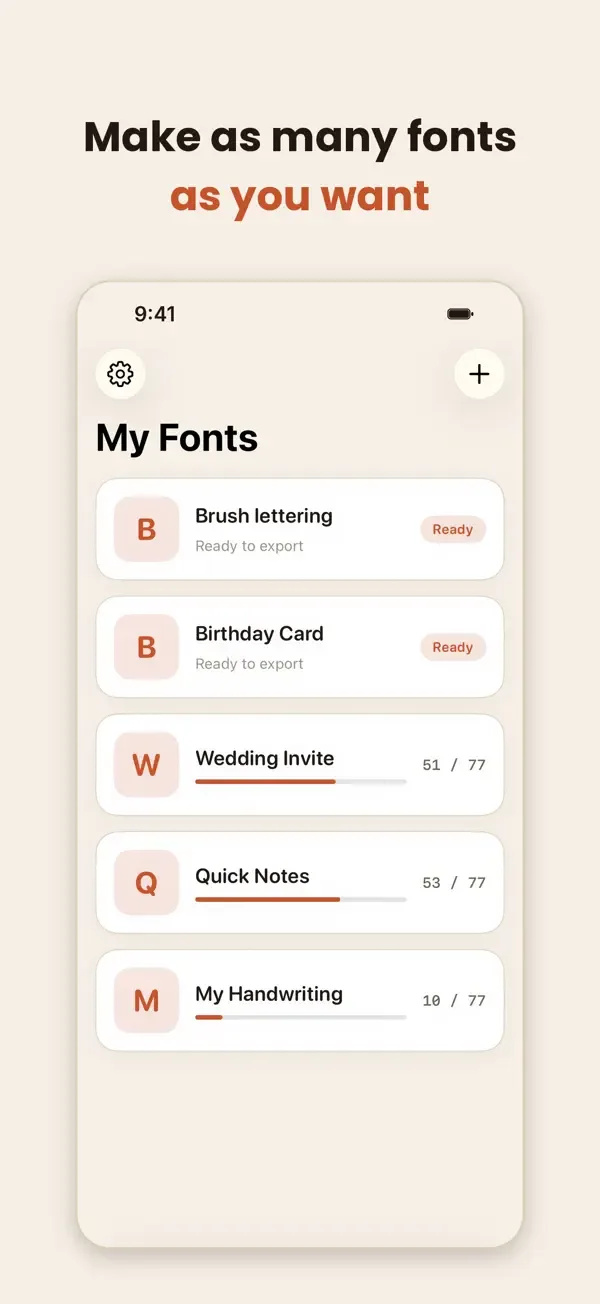
Many fonts
Make as many fonts as you like, for example one for birthday cards and another for quick notes.
Works on your device
Your drawings and fonts are created on your iPhone or iPad. The App Store privacy label says the app collects no data.
Screenshots
Privacy
According to its App Store privacy label, Handwriting Font Maker does not collect any data. See the App Privacy section on the App Store page for full details, and read our Privacy Policy.
More apps from Codebuster

Clipboard Manager — QuickPaste
Copy, paste, and manage text, links, and images with ease.
SnapScan
Scan documents and photos into polished PDF files instantly.

Cover Letter AI & Resume Maker
Build professional CVs and cover letters with AI assistance.

NumPad Pro
Custom numeric keypad and number-entry tools for iOS.
PDF Converter — HEIC to PDF
Convert HEIC photos, images, and documents to PDF in a few taps.