
Clipboard Manager — QuickPaste
Save everything you copy and paste it anywhere.
- Price
- Free, with optional Premium plans
- Works on
- iPhone, iPad and Mac
- Requires
- iOS 16.0 or later
- Category
- Productivity
- Languages
- English and 11 more languages
What Clipboard Manager — QuickPaste does
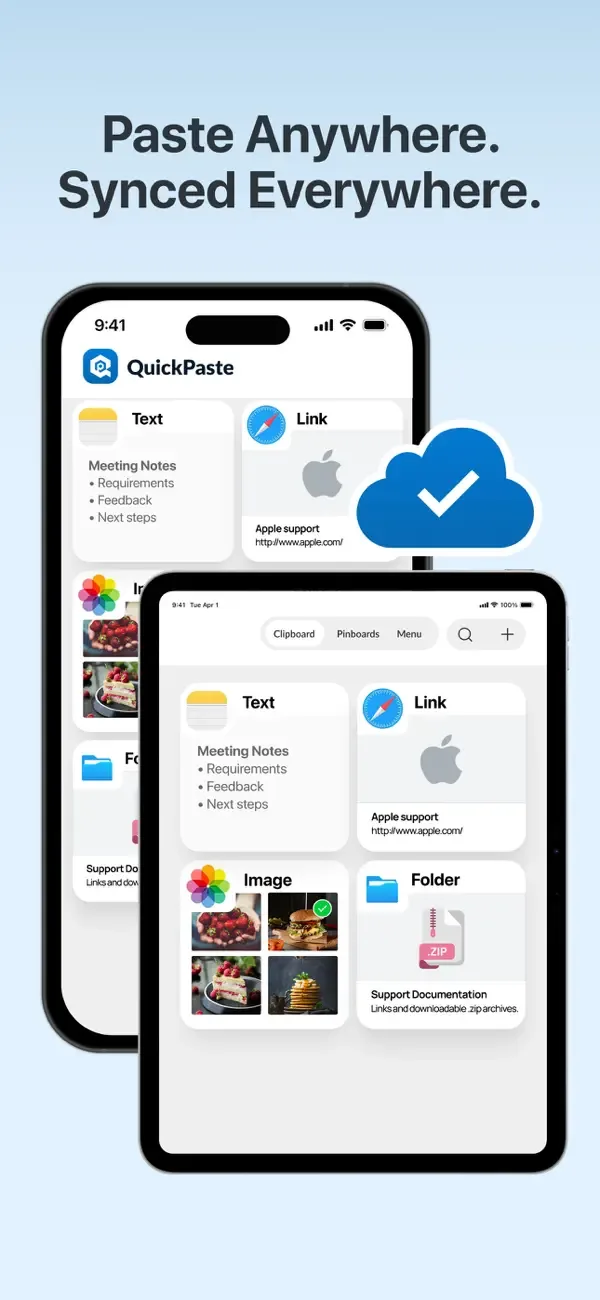
QuickPaste is a clipboard manager that keeps the text, links and images you copy, so you never lose something you need again. Save clips from any app with the share sheet, find them with search, and paste them back with the QuickPaste keyboard without switching apps.
Organize frequently used items, such as addresses, replies, code snippets or bank details, into colored pinboards, and lock your clips with Face ID. QuickPaste runs on iPhone, iPad and Mac.
Key features
Full clipboard history
Keep the text, links and images you copy in one searchable history.
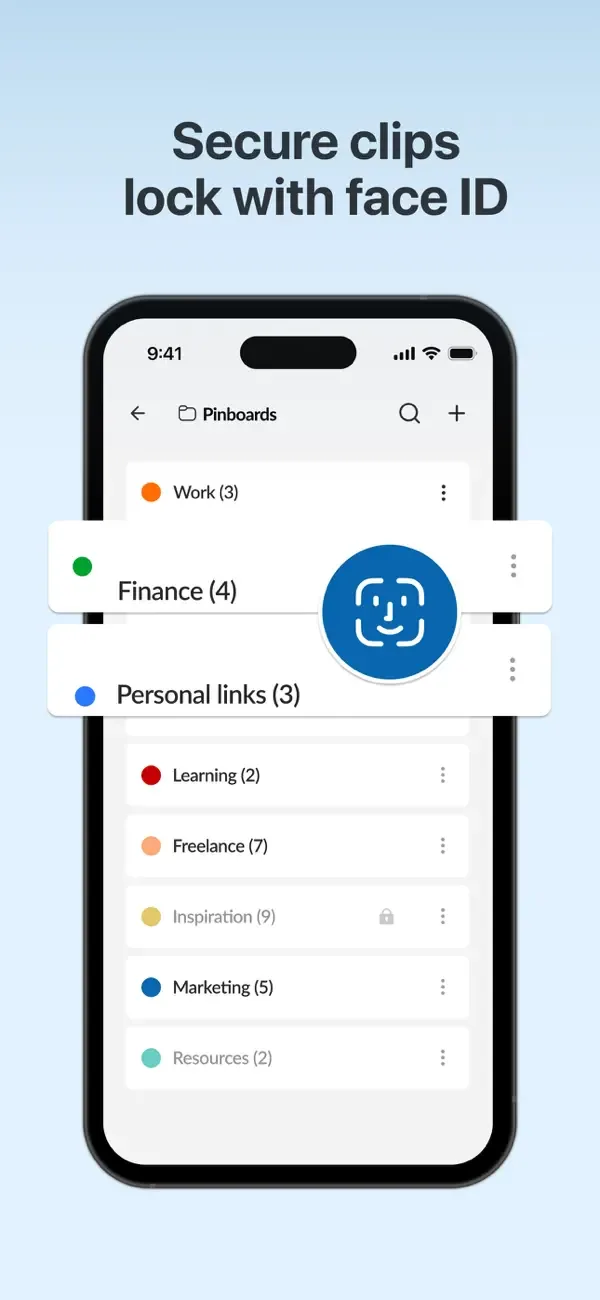
Pinboards
Group clips into pinboards you can rename, recolor, reorder and delete.
Face ID lock
Protect your saved clips so only you can open them.
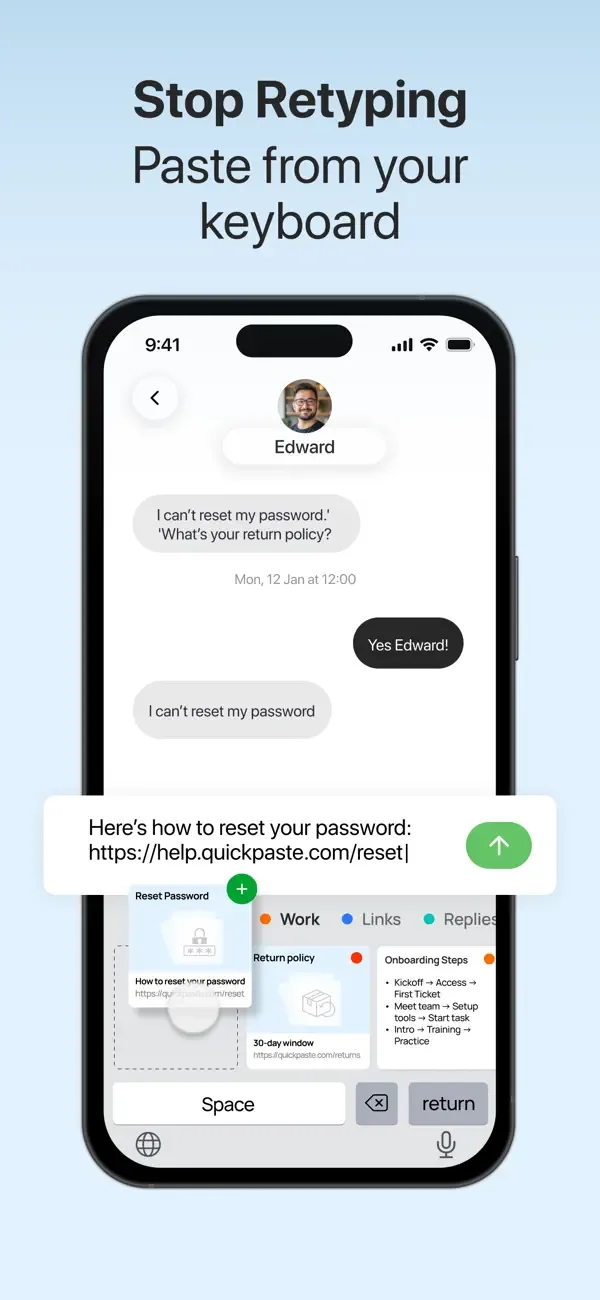
Paste keyboard
Switch to the QuickPaste keyboard in any app and tap a clip to paste it.
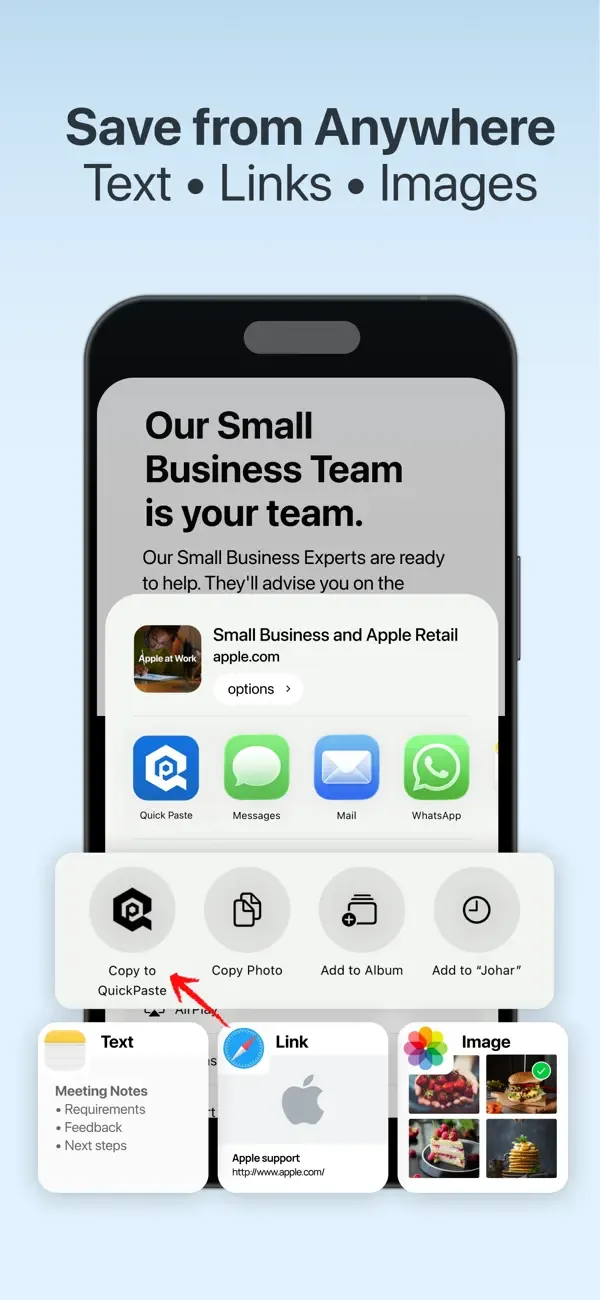
Save from anywhere
Use “Copy to QuickPaste” in the share sheet to save text, images and links from other apps.
Fast search and shortcuts
Find any clip in seconds, and use shortcuts to add new items or clear old ones in a tap.
Screenshots

Privacy
According to its App Store privacy label, QuickPaste does not collect data linked to your identity. It may use a device identifier to track you across apps and websites owned by other companies. See the App Privacy section on the App Store page for full details, and read our Privacy Policy.
More apps from Codebuster

Handwriting Font Maker
Export your own custom TTF font from your handwriting.
SnapScan
Scan documents and photos into polished PDF files instantly.
Cover Letter AI & Resume Maker
Build professional CVs and cover letters with AI assistance.

NumPad Pro
Custom numeric keypad and number-entry tools for iOS.
PDF Converter — HEIC to PDF
Convert HEIC photos, images, and documents to PDF in a few taps.