PDF Converter — HEIC to PDF
Convert photos and documents to PDF in a few taps.
- Price
- Free, with optional Premium plans
- Works on
- iPhone and iPad
- Requires
- iOS 15.0 or later
- Category
- Utilities
- Languages
- English and 6 more languages
What PDF Converter — HEIC to PDF does
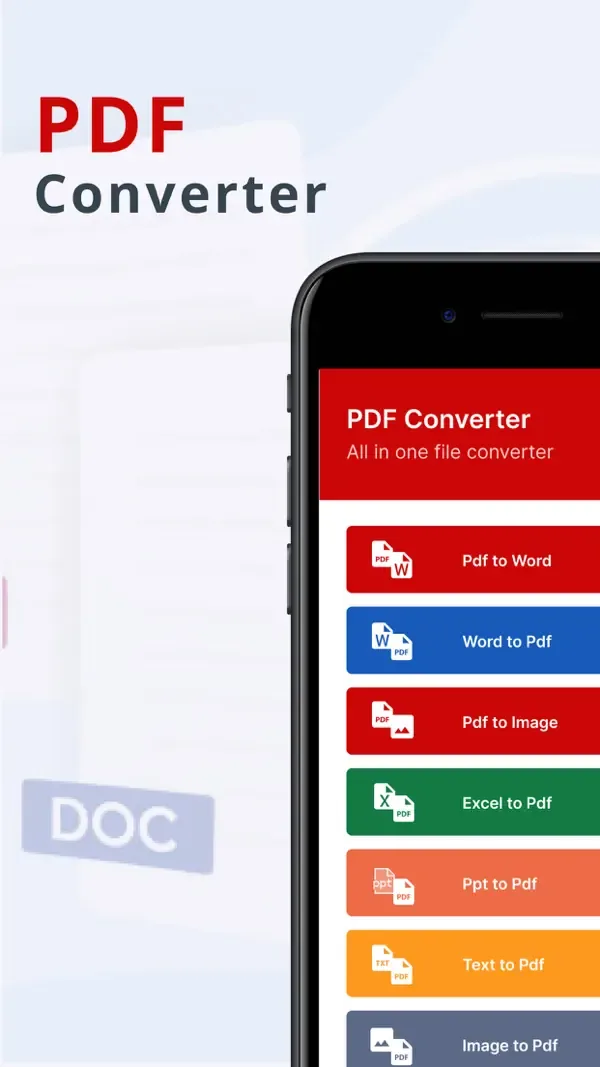
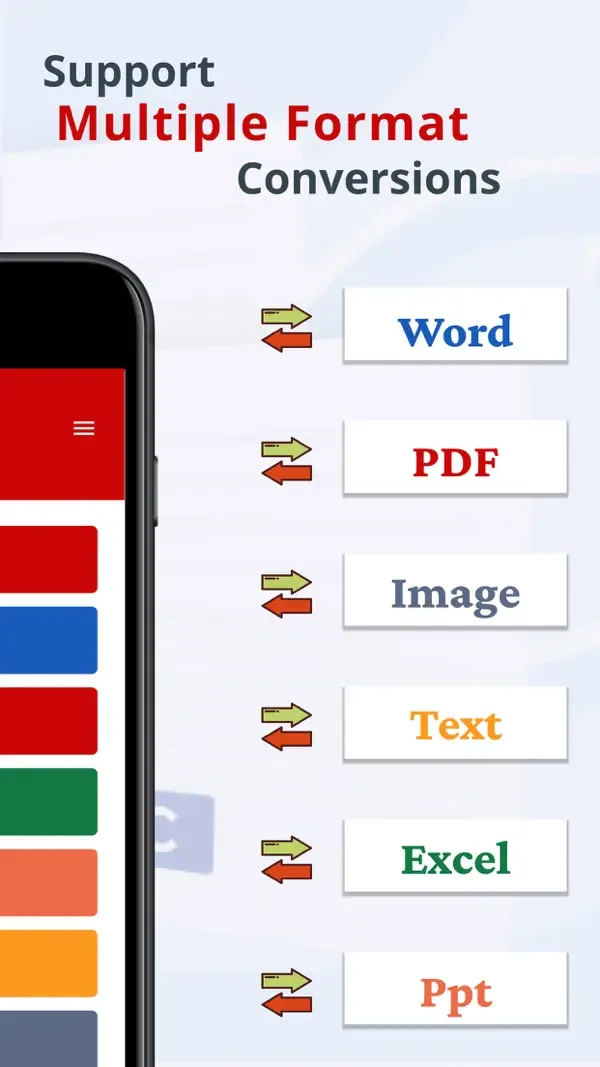
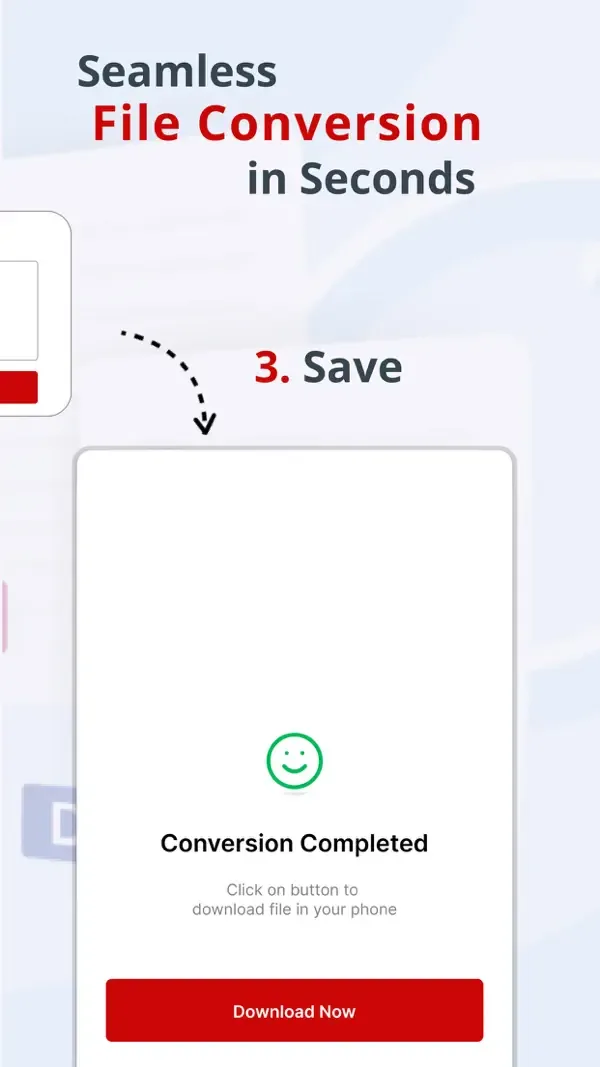
PDF Converter turns photos and documents into PDF files and back again. Convert HEIC, JPG and PNG images to PDF, combine several photos into one file, or turn a PDF into images.
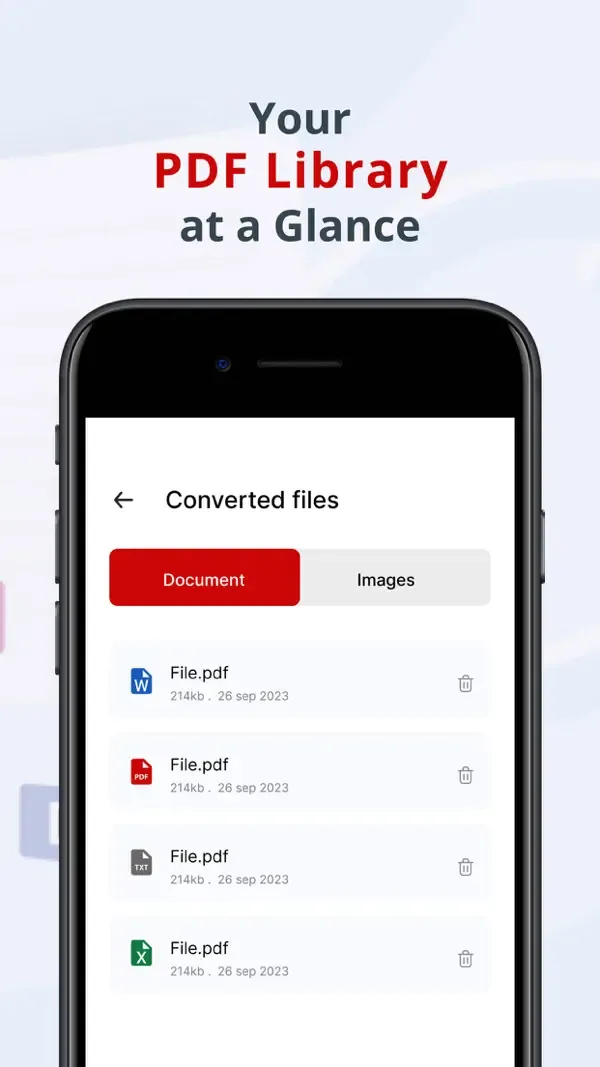
It also converts between PDF and Word, and creates PDFs from Excel, PowerPoint and text files. Built-in tools let you merge, split, edit and sign PDFs, and your converted files stay in one list so you can share them whenever you need.
Key features
Images to PDF
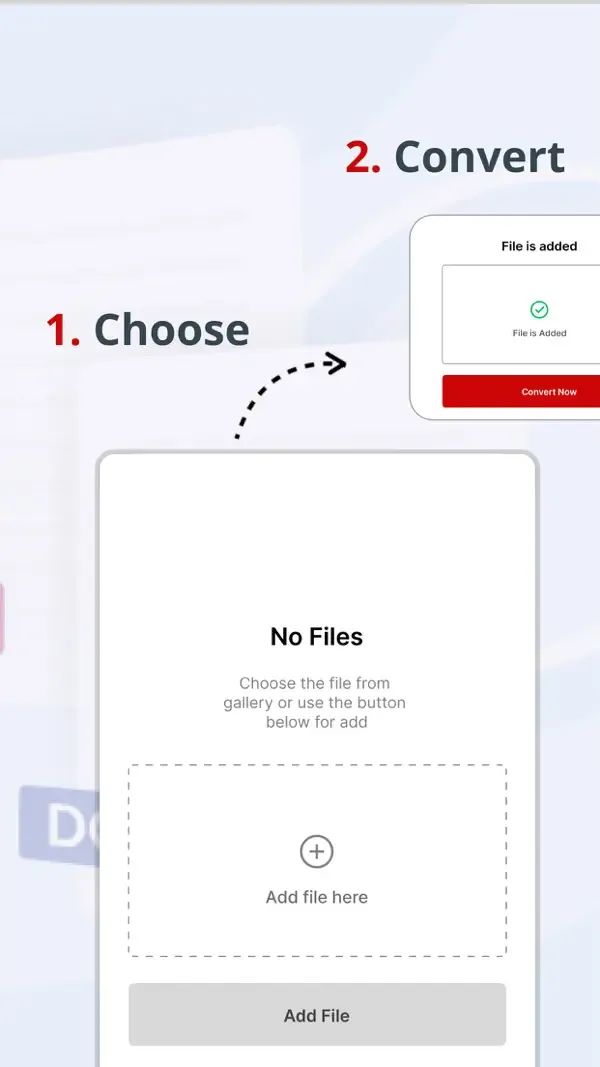
Convert HEIC, PNG and JPG photos to PDF and combine several images into one file.
PDF to images
Turn the pages of a PDF into image files.
Word, Excel and PowerPoint
Convert PDF to Word and Word to PDF, and create PDFs from Excel, PowerPoint and text files.
Merge and split
Combine several files into one PDF, or pull out just the pages you need.
Edit and sign
Make changes to PDFs and add your signature.
Offline conversion
Convert and manage your files even without an internet connection.
Screenshots
Privacy
According to its App Store privacy label, PDF Converter does not collect data linked to your identity. It may use a device identifier for third-party advertising and to track you across apps and websites owned by other companies. See the App Privacy section on the App Store page for full details, and read our Privacy Policy.
More apps from Codebuster

Handwriting Font Maker
Export your own custom TTF font from your handwriting.

Clipboard Manager — QuickPaste
Copy, paste, and manage text, links, and images with ease.
SnapScan
Scan documents and photos into polished PDF files instantly.
Cover Letter AI & Resume Maker
Build professional CVs and cover letters with AI assistance.
NumPad Pro
Custom numeric keypad and number-entry tools for iOS.