SnapScan
A document scanner that fits in your pocket.
- Price
- Free, with optional Premium plans
- Works on
- iPhone and iPad
- Requires
- iOS 16.0 or later
- Category
- Productivity
- Languages
- English
What SnapScan does
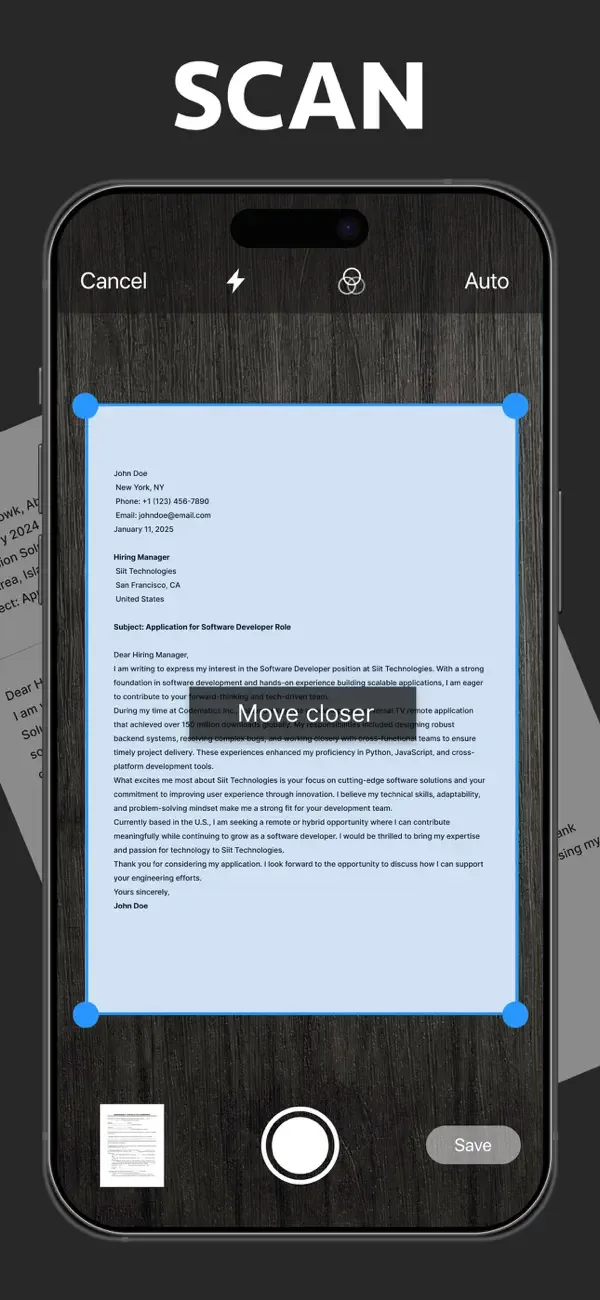
SnapScan turns your iPhone or iPad camera into a document scanner. Scan contracts, receipts, invoices, assignments, ID cards and passports, then crop, straighten and enhance them so they are easy to read.
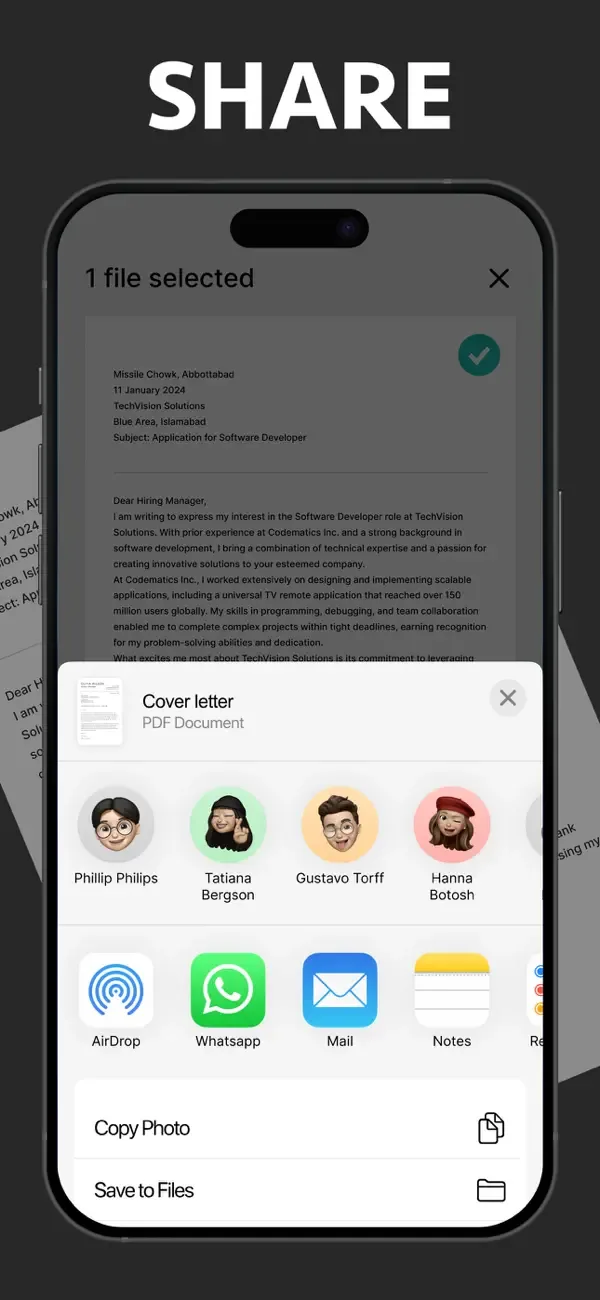
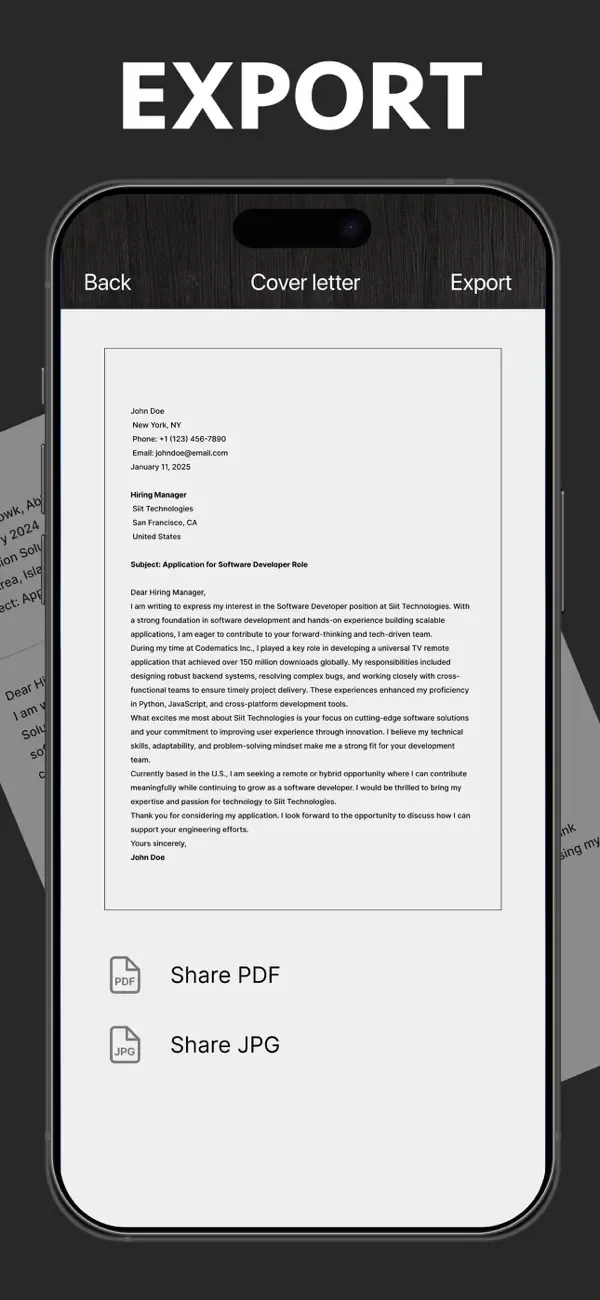
When a scan is ready, sign it, save it in the built-in file manager, or share it as a PDF, JPG or Word document by email, messaging apps or cloud storage. It is handy for students, professionals and anyone without a scanner nearby.
Key features
Multi-page scanning
Scan documents, receipts, contracts, photos and more, one page or many.
ID card and passport scans
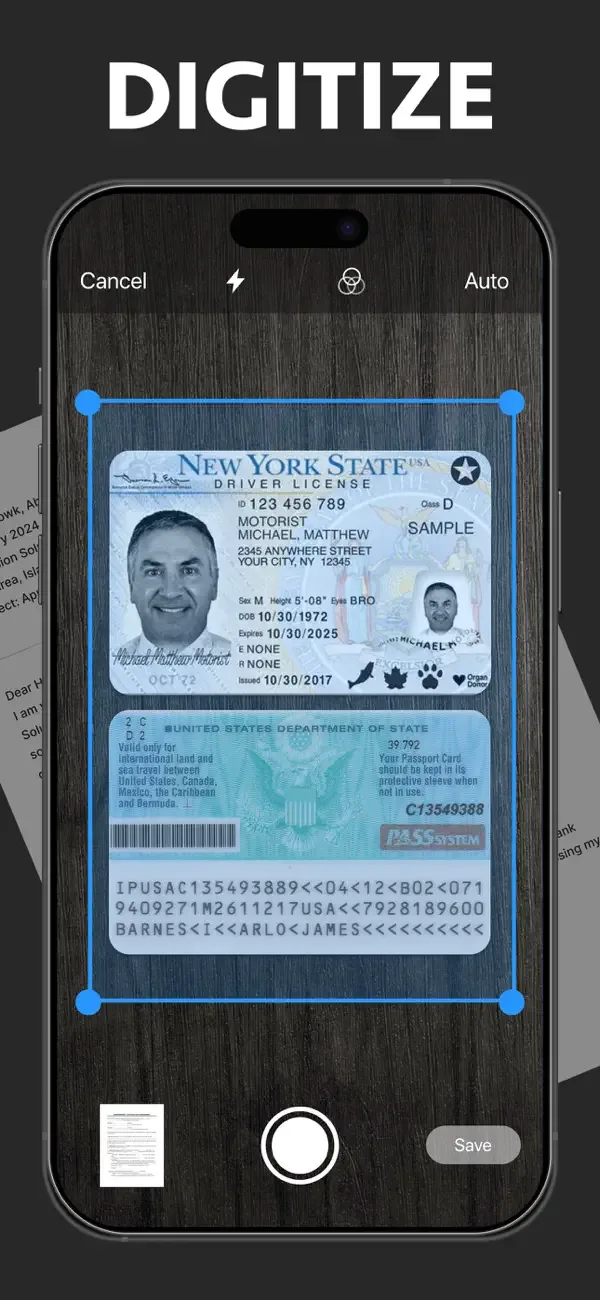
Digitize ID cards and passports in a few taps.
Edit and enhance
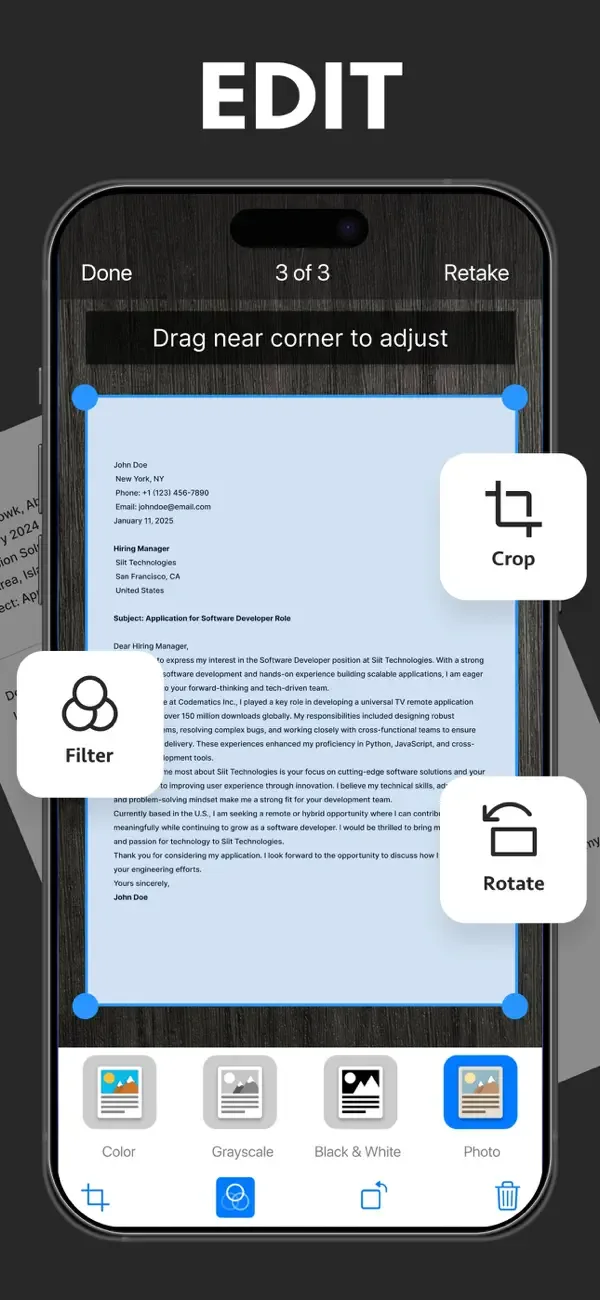
Crop, rotate, apply filters and fix skewed or curved pages for a clean result.
Sign documents
Draw your signature or insert one from an image to sign PDFs and scans.
Export as PDF, JPG or Word
Share your scans in the format you need by email, messaging apps or cloud storage.
Built-in file manager
Keep your scanned documents organized and easy to find.
Screenshots
Privacy
According to its App Store privacy label, SnapScan does not collect any data. See the App Privacy section on the App Store page for full details, and read our Privacy Policy.
More apps from Codebuster

Handwriting Font Maker
Export your own custom TTF font from your handwriting.

Clipboard Manager — QuickPaste
Copy, paste, and manage text, links, and images with ease.

Cover Letter AI & Resume Maker
Build professional CVs and cover letters with AI assistance.

NumPad Pro
Custom numeric keypad and number-entry tools for iOS.
PDF Converter — HEIC to PDF
Convert HEIC photos, images, and documents to PDF in a few taps.